Live Webcams in TAJPEJ
Explore the stunning views and live conditions in the region of TAJPEJ.
Latest Cameras in TAJPEJ










Discover TAJPEJ
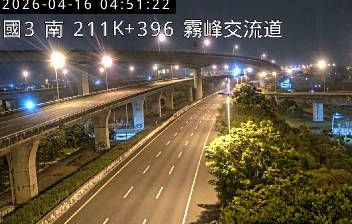
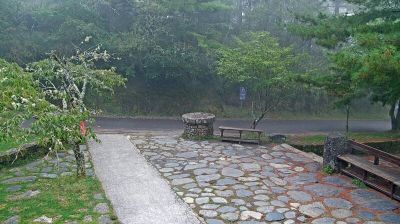
The region of TAJPEJ is full of hidden gems and iconic spots. Using our live webcams, you can monitor current traffic, verify weather conditions before a hike, or simply relax by watching a live beach or city square.

About Tajpej
Tajpej – stolica Republiki Chińskiej (Tajwanu), położona w północnej części wyspy i tworząca razem z Nowym Tajpej oraz Taoyuan aglomerację liczącą około 9 milionów mieszkańców. Znajdujące się na północnym krańcu wyspy, Tajpej jest enklawą miasta Nowe Tajpej. Większość miasta znajduje się w kotlinie i jest ograniczona przez dwie stosunkowo wąskie doliny rzek Keelung i Xindian, które łączą się, tworząc rzekę Danshui (Tamsui) wzdłuż zachodniej granicy miasta. Za czasów dynastii Qing, miasto było stolicą prefektury i przez krótki czas prowincji Tajwan; pod rządami kolonialnymi Japonii nosiło nazwę Taihoku. Tajpej stało się stolicą prowincji Tajwan w ramach Republiki Chińskiej w 1945 roku i stało się jej stolicą w 1949 roku, kiedy nacjonalistyczny Kuomintang stracił kontynentalne Chiny na rzecz komunistów, na skutek chińskiej wojny domowej.
📖 Read more on Wikipedia